Comicory
Manga Generator
Create AI Manga Online
An AI manga generator for stylized black-and-white manga pages — character consistency across every panel.
- 1Write storyFree
- 2Draft script−4
- 3Generate comic~−10
Or start from an example
Script first. You approve. Then we render.
A manga generator is an AI comic tool tuned for manga conventions — screentones, expressive eyes, dynamic action lines. Switch your story to the manga style in the Comicory AI comic generator
What the Manga Generator Produces
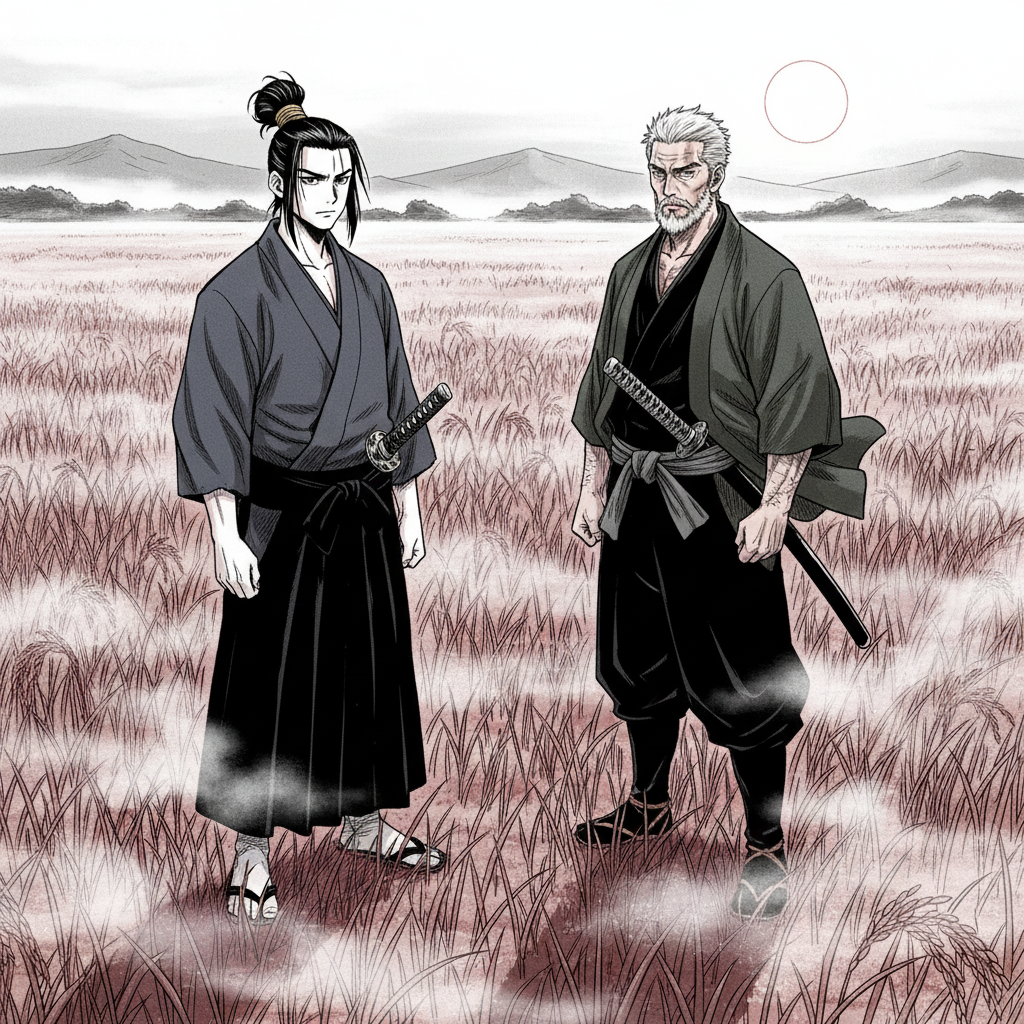
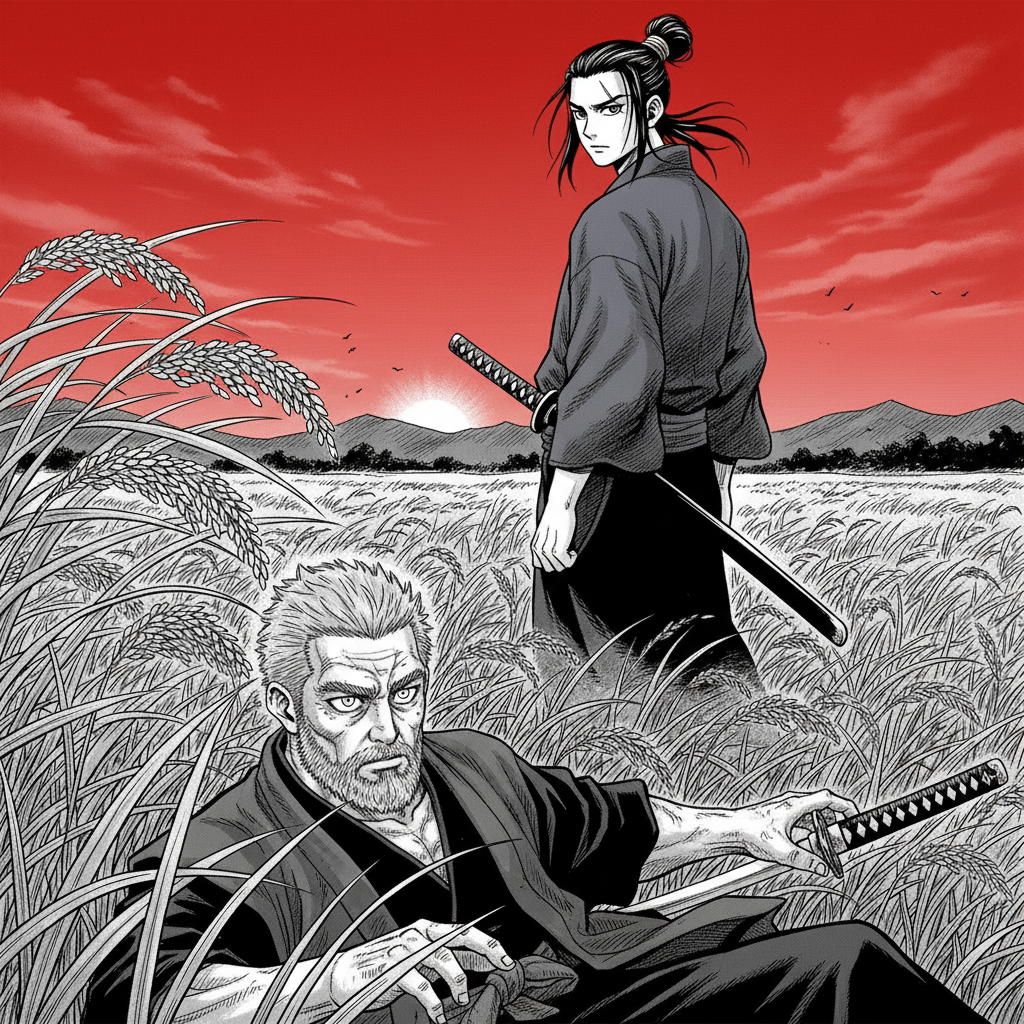
The manga generator renders pages with the visual language of Japanese manga — high-contrast linework, expressive faces, and composition built for vertical reading.
AI Manga Character Design
Define your cast once; the manga generator keeps each character on-model with a consistent face, hair, and costume across every page.
AI Manga Panels & Paneling
Cinematic panels with close-ups, reaction shots, and action beats — the kind of pacing you expect from manga.
AI Manga Dialogue & Speech Bubbles
Dialogue is scripted panel-by-panel so you can edit lines before the art is drawn.
Authentic Manga Page Layouts
The manga generator ships with manga-style page layouts — splash pages, asymmetric paneling and tall action tiers — so each page reads with the pacing print manga is known for. The AI auto-picks a manga-friendly default per page, and you can switch any single page to a different template (a splash for the cover, an action tier for a fight scene, a 6-up grid for talking heads) before any art renders. Each panel is drawn at the exact aspect ratio of its slot, so nothing gets cropped.
Upload Your Own Manga Cast
Already have an OC ref sheet, or want yourself drawn into a manga? Paid users can upload reference photos, save the character to their library, and pin them to a comic. The manga generator stylizes that exact face into manga linework and screentone, then keeps the same character on-model across every page and every chapter — no re-describing required.
Manga Generator vs. Comic Book Generator
Pick the manga generator style for shoujo, shonen, seinen, or slice-of-life looks. Switch to the comic book generator style for Western superhero and graphic-novel aesthetics — same engine, different art direction.
Questions
About this generator.
Yes — the manga style outputs black and white pages with screentones, sharp ink, and Japanese comic paneling conventions. You get the authentic monochrome manga look, not just anime-colored art.
The style renders a shared manga visual language. Tone — shoujo sparkle, shonen kinetic action, seinen grit — comes from how you describe characters and scenes in your story. Dark moods produce seinen-leaning pages, bright scenes produce shoujo-leaning pages.
Panels generate in reading order as you write. The built-in immersive reader can be swiped either direction. For a strict right-to-left reading experience, mirror the page export before publishing.
Yes. Continue Story adds chapter after chapter to the same manga, reusing the same cast and art style. That's how you build a serialized manga one chapter per generation.
Yes. Paid users can upload reference photos of themselves or any original character, save them to a reusable library, and pin them to a manga. The manga generator stylizes that exact face into screentone and ink and keeps it on-model across every page and chapter.
Yes. Every page has a layout picker — splash, two-up, three-tier strip, six-panel grid and more. The AI picks a manga-style default, and you can override any single page (splash for the cover, action tier for a fight) before art renders.
Keep exploring
You might also like.
Ready when you are.
Start with a paragraph.
Finish with a comic.
Sign up free, draft your first script in seconds, then upgrade to render the comic.