
Splash Page
Lead bigOpen a chapter with one oversized image, then land the reaction beats below it.
Across the StormCookie choices
Necessary cookies support login, payments, and security.
Optional analytics help us improve Comicory.
Current analytics: not set · Cookie Policy
Comicory
Comicory is an AI comic generator for comic strips, manga, and comic books. Write a story, choose a style, and keep character art consistent across panels — free to try with 10 starter credits.
10 one-time starter credits: your script plus a 4-panel comic with 1 character and 1 location · no card required
 1
1Deep inside his cozy underground burrow, Pip the little hedgehog shivered.
Issue #001
Turn a prompt into a panel script, character references, dialogue, and page layouts before rendering.
Made by the community
A hand-picked mix of public stories made in Comicory—from cinematic mysteries to comic books, cyberpunk adventures, and illustrated stories.
 By Shadowline StoriesBy Mark AlcantaraBy landric betheaBy Zachary WinderlBy Marie OlsenBy qcrao
Every work shown here was made public by its creator and passed Comicory's gallery review.
Consistency
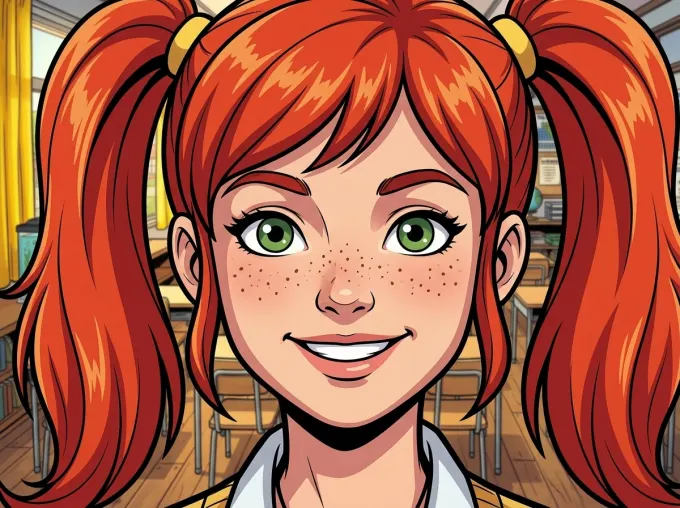
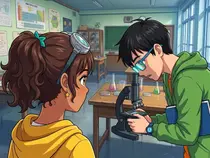
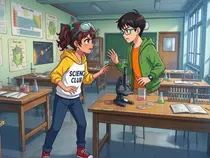
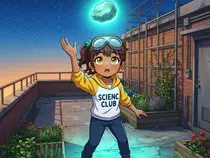
Comicory uses character and location references to help keep a story recognizable across panels. Compare Mira's face, outfit and classroom across four camera angles in this real example, then review your own results for details that need a fix.
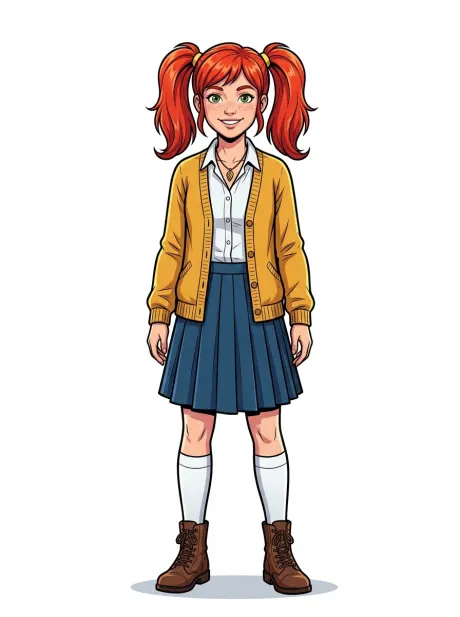
Mira
Reference locked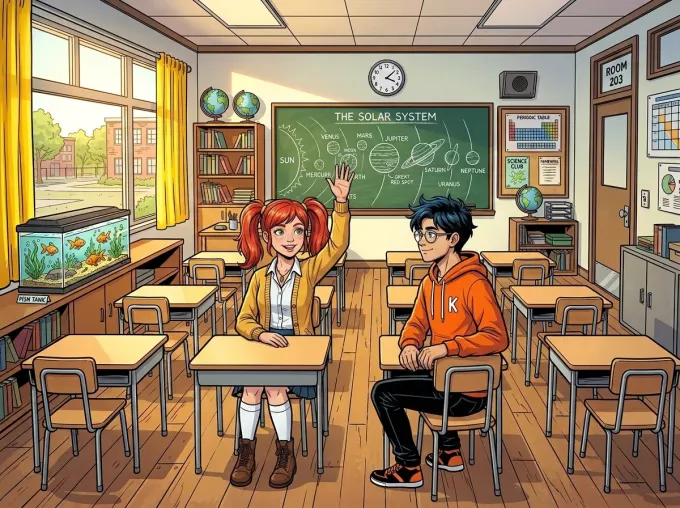
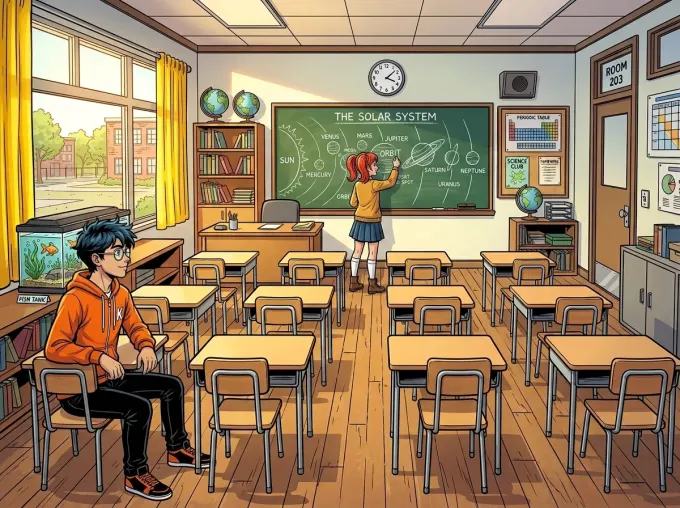
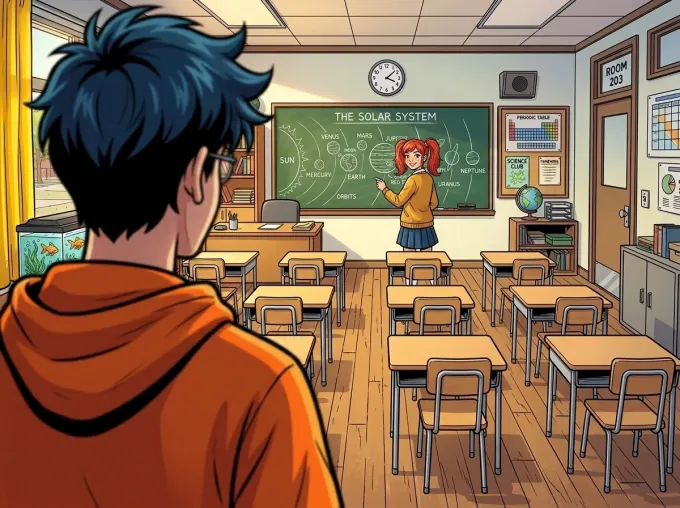
Real, unretouched output from a single Comicory render — one reference, one classroom, four camera angles.
Every character gets a locked reference portrait before a single panel renders. Panels are conditioned on that image itself — not on a text description the model can drift from.
Each character has their own reference. Group scenes can still mix details, so check faces, clothing and who performs each action before publishing.
Watch the classroom behind Mira: the chalkboard, fish tank, and yellow curtains stay put across every shot. Scenes stay recognizable instead of reshuffling from panel to panel.
Continue Story (Create next chapter) reuses the cast references in new chapters. With any subscription, or a credit pack from the $19.99 Creator Pack up, you can bring your own photos. Review each chapter for visual continuity.
Features
Script panels, lock character references, choose layouts, redraw frames, and export finished comic pages.
Cinematic scripting
Characters, camera angles, tight dialogue. You read and approve before a single pixel renders.
Read “The Last Deliberate Draw”Speech bubbles
Drag, restyle, and rewrite every bubble — themed bubbles and lettering fonts, edited separately from the art.
Your characters
Upload your OC references or photos you have permission to use. Reuse that cast across panels and chapters, then review the result.
Page layouts
Manga splash, 4-panel strip, webtoon column, six-up grid. Switch per page, not per comic.
20 styles
Pick the mood, keep the story. One click to switch.
Fix or redraw
Brush over the broken spot and describe the fix: only the painted area changes. Or regenerate the whole panel — the rest of your comic never moves.
Cloud rendering
Generation runs in the background. Your comic waits for you.
High-res export
Download a multi-page PDF, high-res PNG pages, one long scrolling image, or a ZIP of every page and panel.
Page Layouts
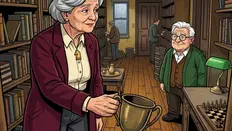
Choose page count, panel count, and a layout mood before rendering. Use a splash for the big reveal, a grid for pace, a strip for short beats, or webtoon flow for scrolling stories.
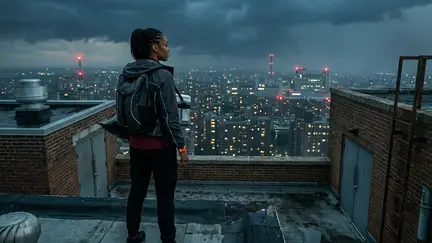
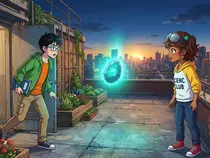
Open a chapter with one oversized image, then land the reaction beats below it.
Across the Storm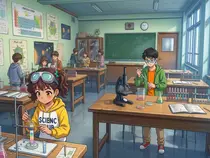

Balanced comic-book pacing for action, dialogue, and clean page turns.
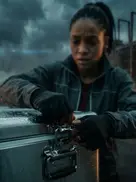
The Secret Above the City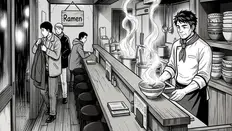
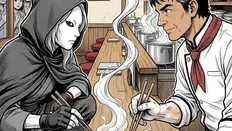
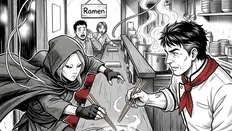
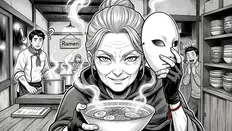
A compact setup, turn, punchline, and finish for quick scenes.
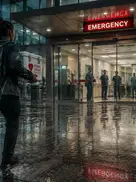
The Last Bowl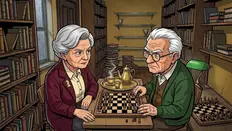
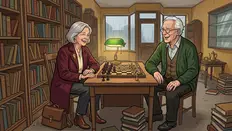
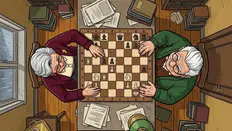
Stack moments into a scrolling column with room for pauses and reveals.
The Last Deliberate DrawGet started
Write it, approve the script, watch it render — then keep the story going chapter after chapter.
A paragraph works. Characters, conflict, a moment. Or pick a starter.
AI returns a panel breakdown with dialogue. Edit any line before art renders.
Watch panels render. Tweak what you want. Export PDF, PNG, a long image, or ZIP.
Hit Continue Story (Create next chapter) to add a chapter. Same cast, same style — AI drafts what happens next.
Continue Story · Create next chapter
Finish a comic. Then keep going. Add a chapter — AI drafts what happens next, reusing the same cast, the same art style, the same world. Build an ongoing series one chapter at a time.
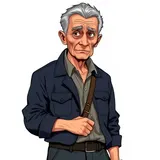

Elias & Mara — one locked reference each, redrawn on-model in all four chapters.
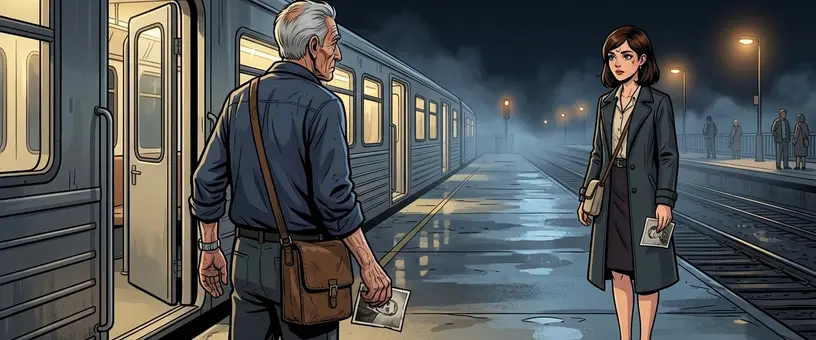 Chapter 1
 Chapter 2
 Chapter 3
Explore
Start with your goal
Choose the workflow that fits your story, cast and format.
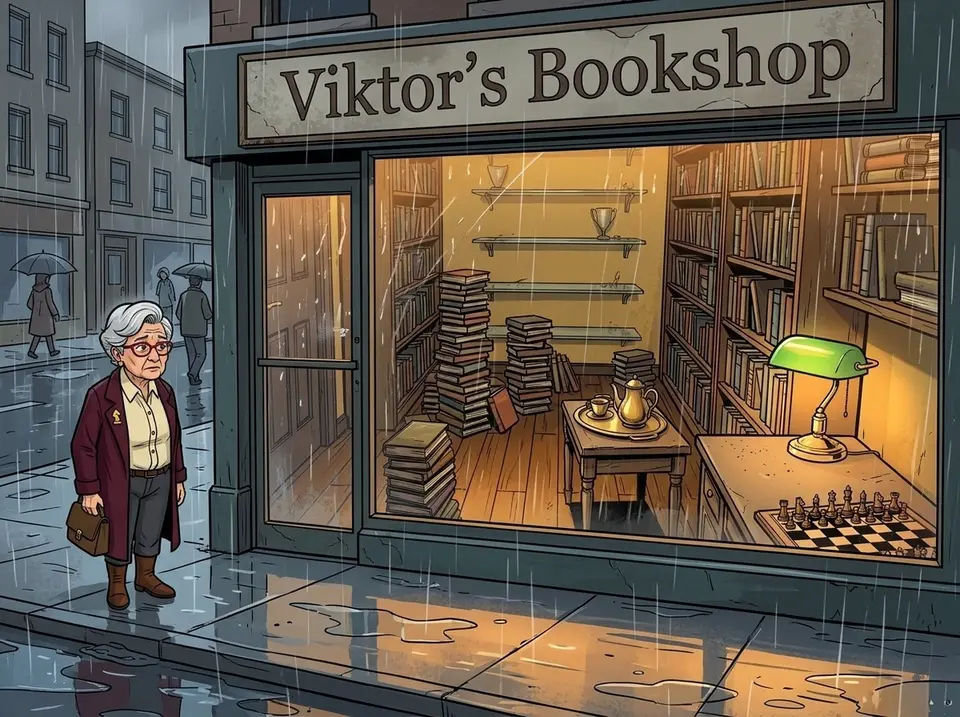
Start with a paragraph. Review the panel script before the artwork renders; no drawing skills needed.
Story to comic generatorBring your OC reference images and build a story around your cast. Character uploads require an eligible purchase.
Custom character comic makerAdd another chapter using the existing cast and style. Review each chapter for visual and story continuity.
Comic series generator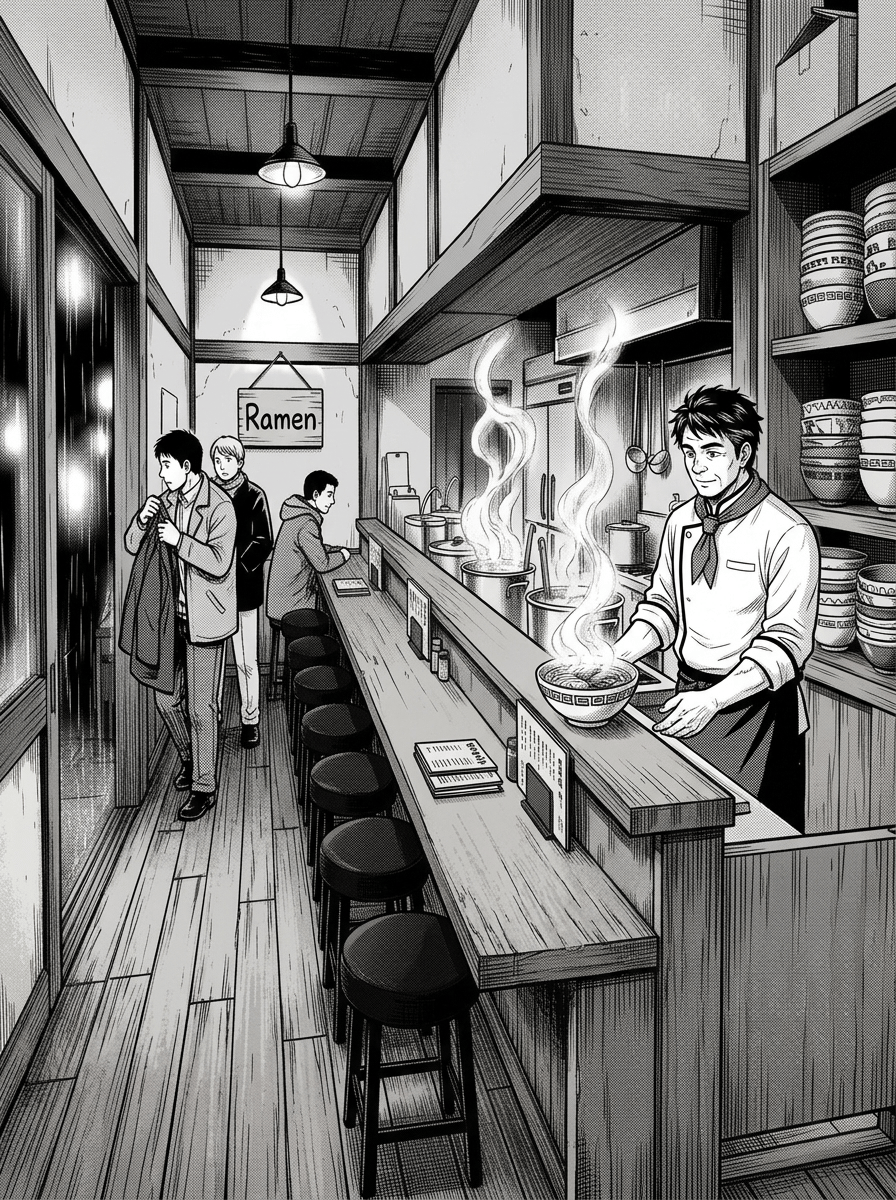
Build a compact setup, turn and punchline. Choose a strip layout and export your finished comic.
Comic strip generatorStill choosing? Read the AI comic generator selection guide.
Pin a face — yours, your OC's — across every panel and chapter.
Turn selfies into a paneled comic. Same face every panel.
Bring your OC's reference sheet. AI keeps them on-model.
Splash, strip, grid, vertical column. Pick a layout per page.
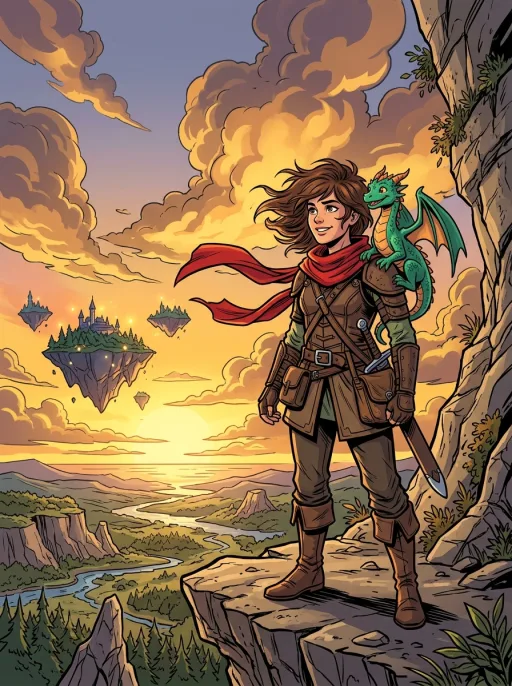
Inked line art, cel shading, Western comic tradition.
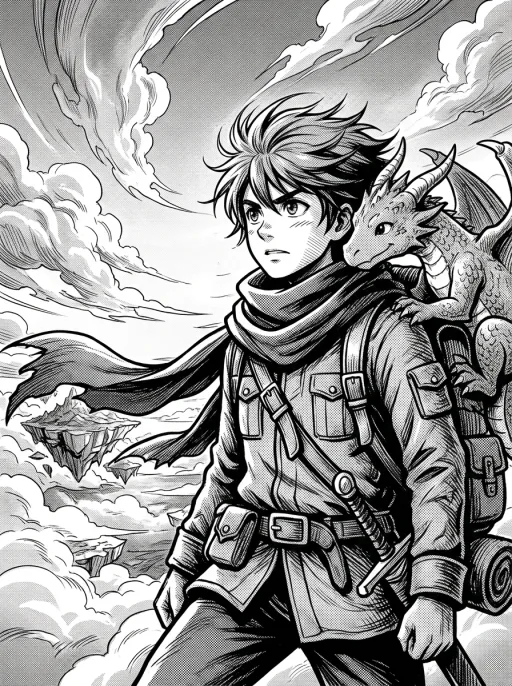
Screentones, sharp ink, expressive manga paneling.
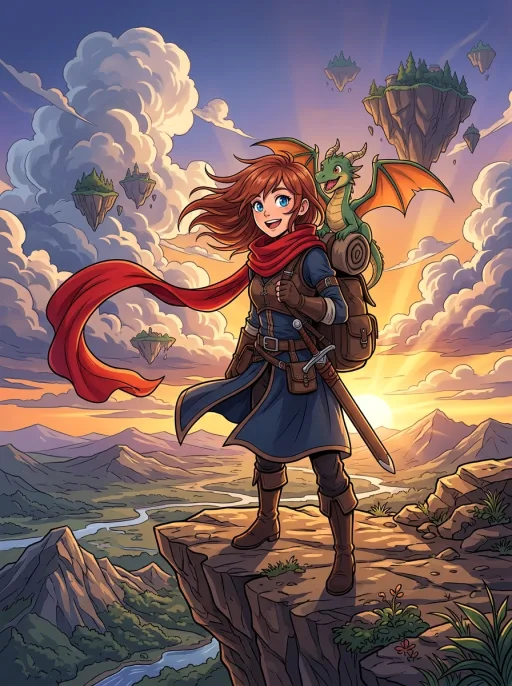
Vibrant cel-shaded color, expressive eyes, key-art polish.
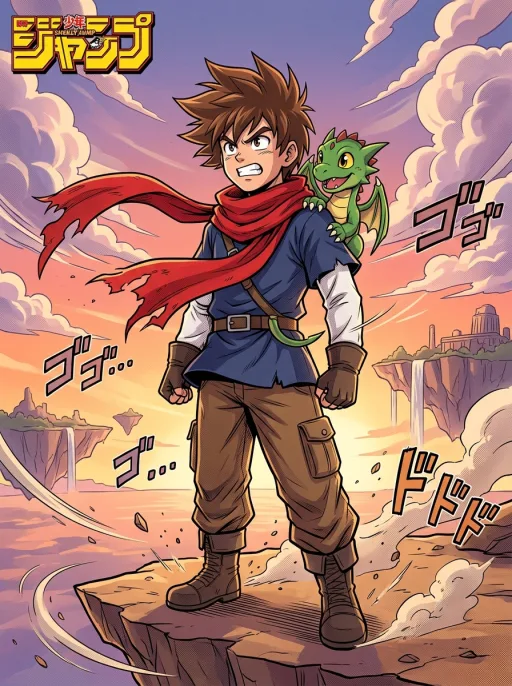
High-energy battle manga in color — spiky hair, motion lines, impact bursts.
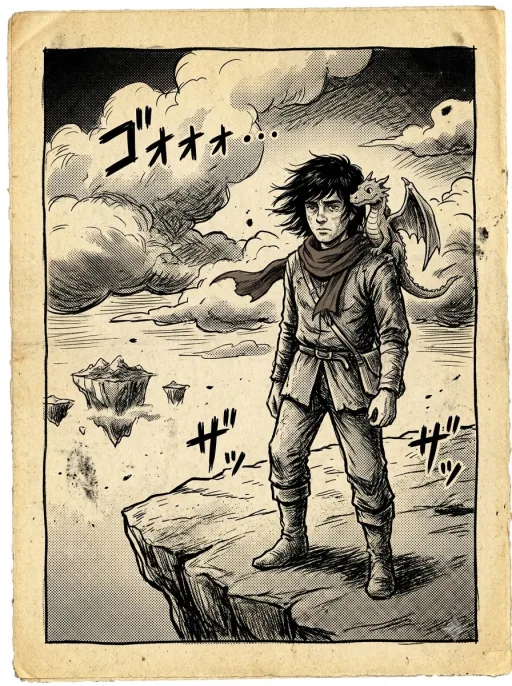
Gritty 1970s Japanese gekiga — heavy ink, crosshatching, somber Showa mood.
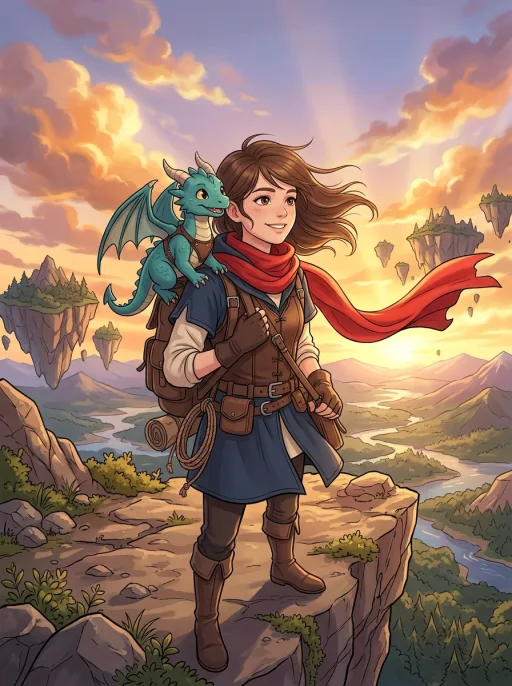
Soft digital coloring, semi-realistic cast, Korean webtoon polish.
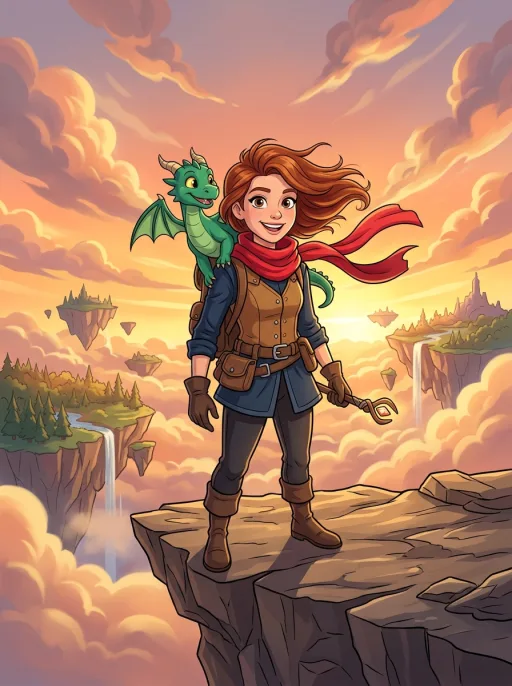
Bold lines, bright flat colors, big expressions.
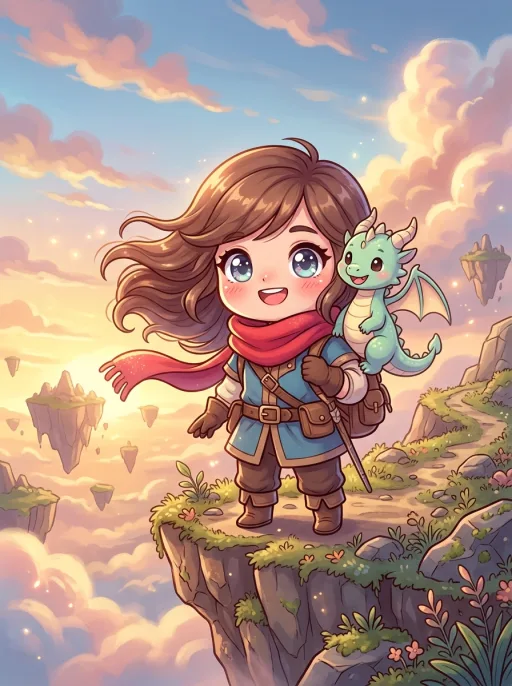
Super-deformed cast, big sparkling eyes, pastel kawaii palette.
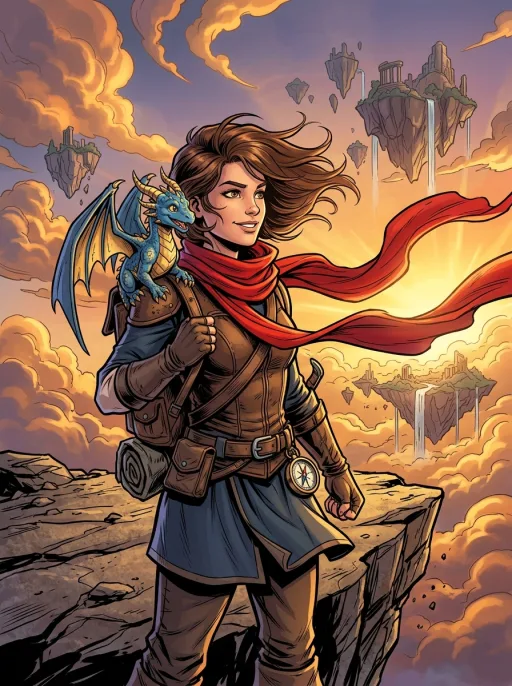
Capes, splash pages, dramatic action lighting.
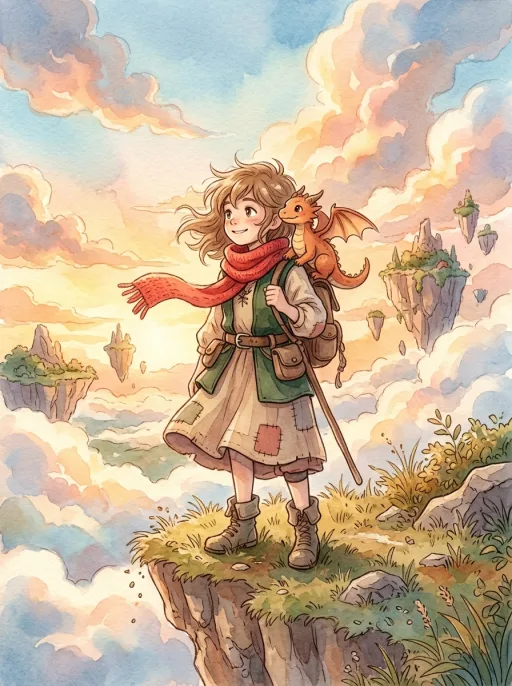
Watercolor washes, warm pastels, dreamy hand-painted feel.
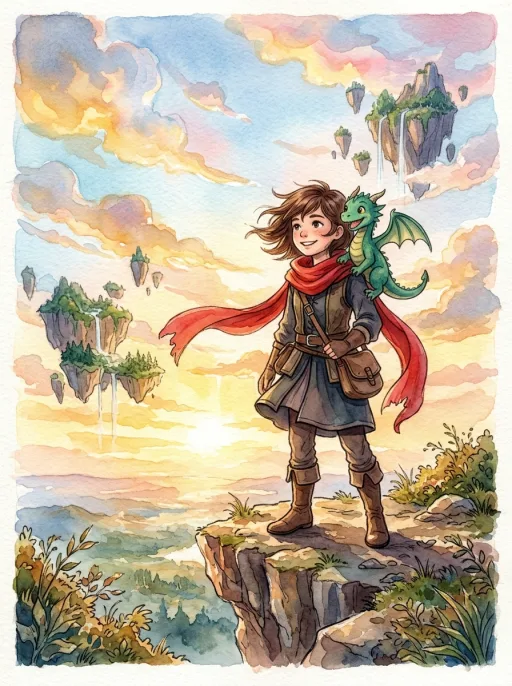
Soft washes, painted edges, atmospheric mood.
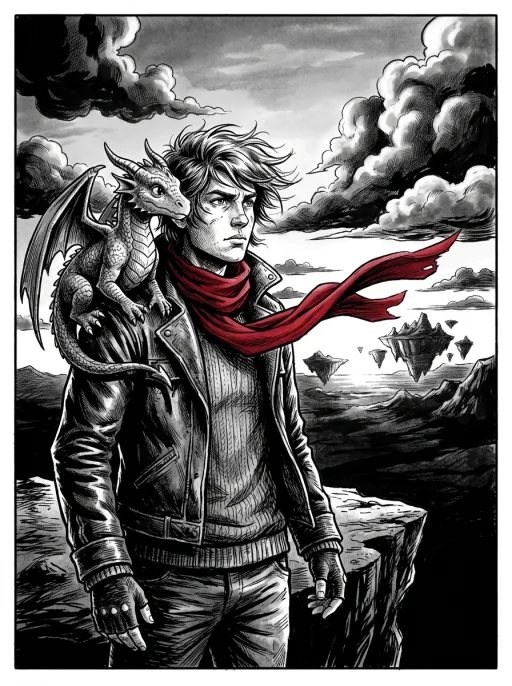
High-contrast black and white, long shadows.

8-bit and 16-bit retro look, chunky sprites.
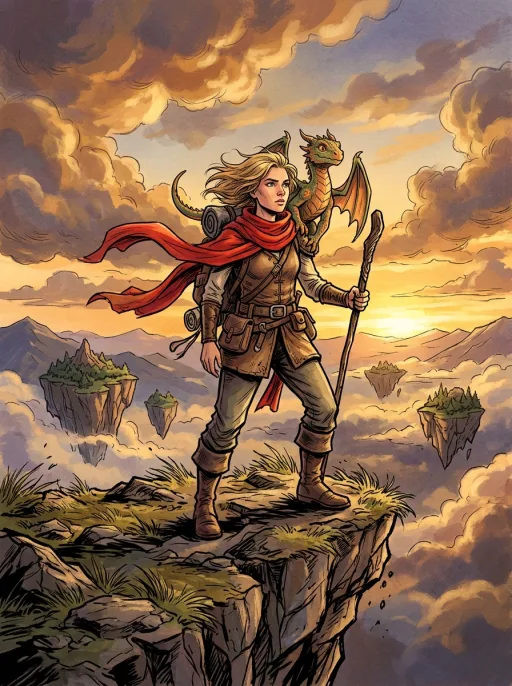
Photoreal rendering, graphic-novel-grade panels.
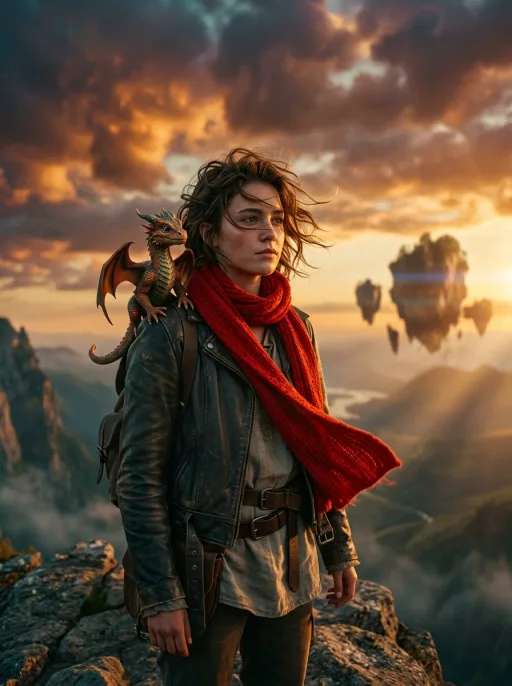
Live-action film stills — dramatic lighting, teal-and-orange grade, lens flares.
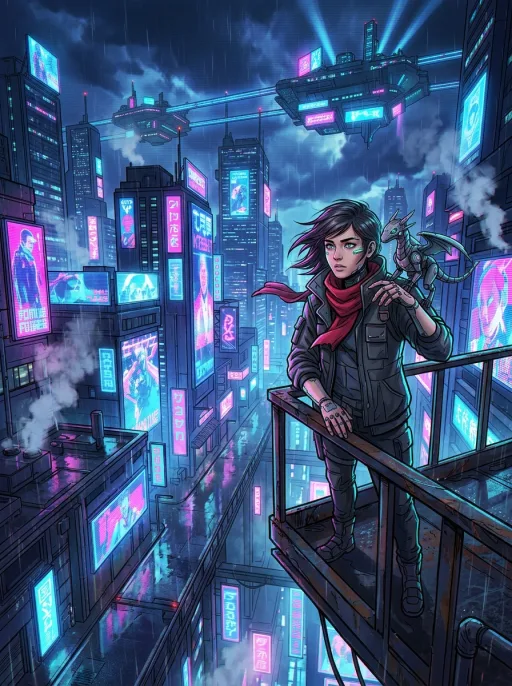
Neon megacity nights — magenta-and-blue glow, chrome implants, rain-slick streets.
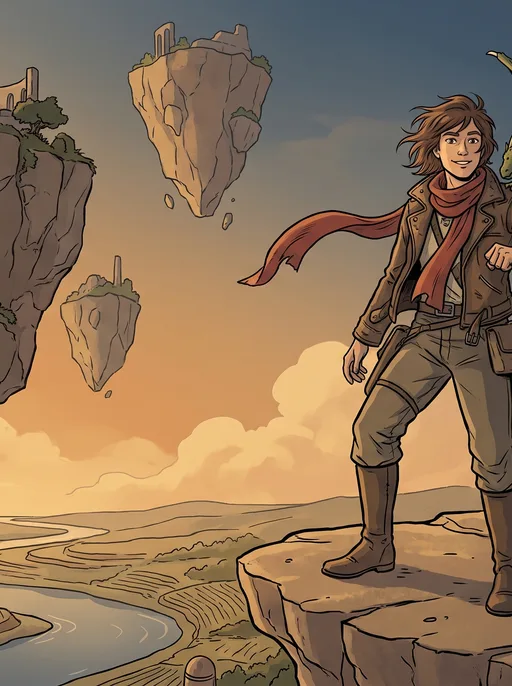
European bande dessinée — clean even ink line, flat matte color, semi-realistic faces, believable places.
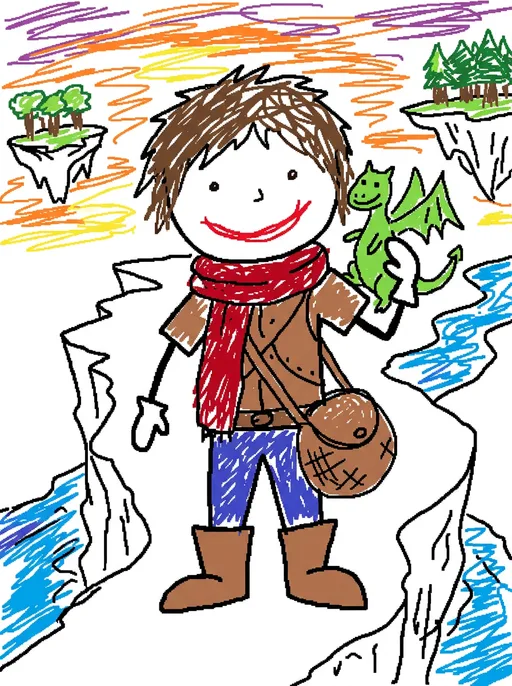
Drawn badly on purpose — wobbly mouse lines, marker scribbles, mitten hands, the MS Paint meme look.
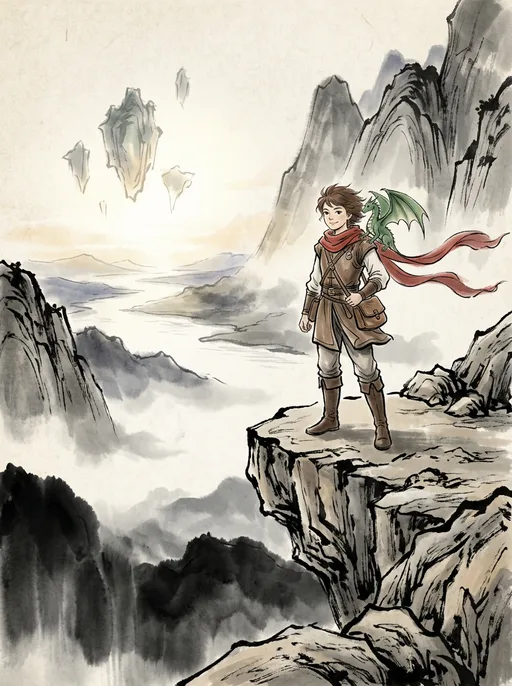
Chinese shanshui painting — calligraphic ink strokes, misty mountains, faint ochre and indigo, rice-paper space.
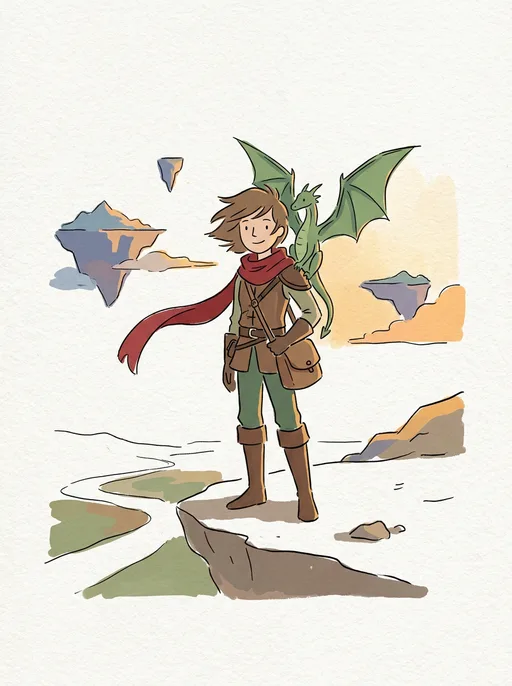
Minimalist art-book pages — wobbly ink lines, flat acrylic blocks, rough paper and lots of quiet space.
A practical checklist
Know what the AI handles, what you control and what to check before publishing.
No. Supply a story, review the script and let Comicory generate the artwork. You still choose the scenes and check the result.
See the story-to-comic workflowReference images help preserve identity across panels. Difficult angles, small faces and group scenes can still drift; review the artwork and fix individual panels when needed.
Learn how to keep characters consistentEdit dialogue separately, change a panel prompt and regenerate that frame, or use Fix Area for a local correction. Image edits use credits; check the quoted cost before rendering.
Explore comic editingNew accounts receive 10 one-time credits, enough for a 4-panel comic with 1 character and 1 location when you set that size. Auto may plan a longer comic and leave later panels locked. Free exports carry a watermark.
Check credits and pricingComicory's terms permit commercial use on every plan, including Free. Use inputs you have rights to; that permission does not guarantee copyright protection, exclusivity or acceptance by a publishing platform.
Read the commercial-use termsQuestions
An AI comic generator turns a written story into a multi-panel comic. Comicory writes the comic script, casts consistent characters, and draws every panel automatically — no drawing skills required.
Yes — that's what Continue Story (Create next chapter) is for. Open any finished comic and hit Continue Story, write what happens next, and AI drafts a new chapter using the same cast and art style. Chapters stack inside the same comic so readers can follow it end-to-end, and you can keep adding chapters: up to 5 per comic without a subscription, with no cap on any subscription.
Every new account gets 10 credits: 4 for the script, 1 per character reference, 1 per location, 1 per panel. On Auto the grant covers the script plus the opening panels and locks the rest until you top up; a 4-panel comic with 1 character and 1 location finishes end to end on 10. No credit card, nothing recurring, and it's a one-time grant rather than a monthly refill. Free exports carry a small Comicory watermark. More credits start at $4.99 (one-time First Comic pack, no subscription), and any pack or plan removes the watermark. Monthly plans add volume, the 10 paid art styles and character uploads.
When your comic is finished, export it as a multi-page PDF, a high-resolution page-layout PNG, one long scrolling PNG, or a ZIP containing the individual panels and completed pages. Signed-in free exports include a small Comicory watermark; any credit pack or subscription exports clean files.
Yes. Comicory ships 20 art styles — Graphic Novel, Scribble, Ink Wash, Hand-Drawn, Comic Book, Manga, Anime, Shonen Jump, Gekiga, Webtoon, Cartoon, Chibi, Superhero, Soft Anime, Watercolor, Noir, Pixel Art, Realistic, Cinematic, and Cyberpunk. 10 are open on free credits; 10 need a paid plan. You can generate a manga page, a 4-panel strip or a full comic book from one story.
Before drawing panels, Comicory generates a reference portrait for each character. Panels use that reference to help preserve identity, hair and clothing. Difficult angles, small faces and group scenes can still drift; review the artwork and correct individual panels when needed.
Yes. You can rewrite any panel's prompt and regenerate that single frame. The other panels stay exactly as they are.
Yes. Upload reference images of an original character or photos of a person you have permission to depict, then name and pin them to the next comic. Included with every subscription, and with the one-time Creator Pack ($19.99) and up. The $4.99 First Comic Pack does not include uploads. Comicory reuses those references across panels and chapters to help preserve identity. Check the result and repair any drift before publishing.
Yes. Every page comes with a layout picker — manga splash, two-up grid, three-tier strip, four-panel webtoon column, six-panel grid and more. The script auto-picks a sensible default for your style, and you can switch any single page to a different template before rendering.
Yes. Paste a chapter or scene into the story box and Comicory will adapt it into a paneled script. For a full book, generate chapter by chapter.
Ready when you are.
Sign up free and get 10 one-time credits — the script plus a 4-panel comic with 1 character and 1 location. No card.

